Add EC2 Origin
Add EC2 Origin
- Access the CloudFront distribution management page.
-
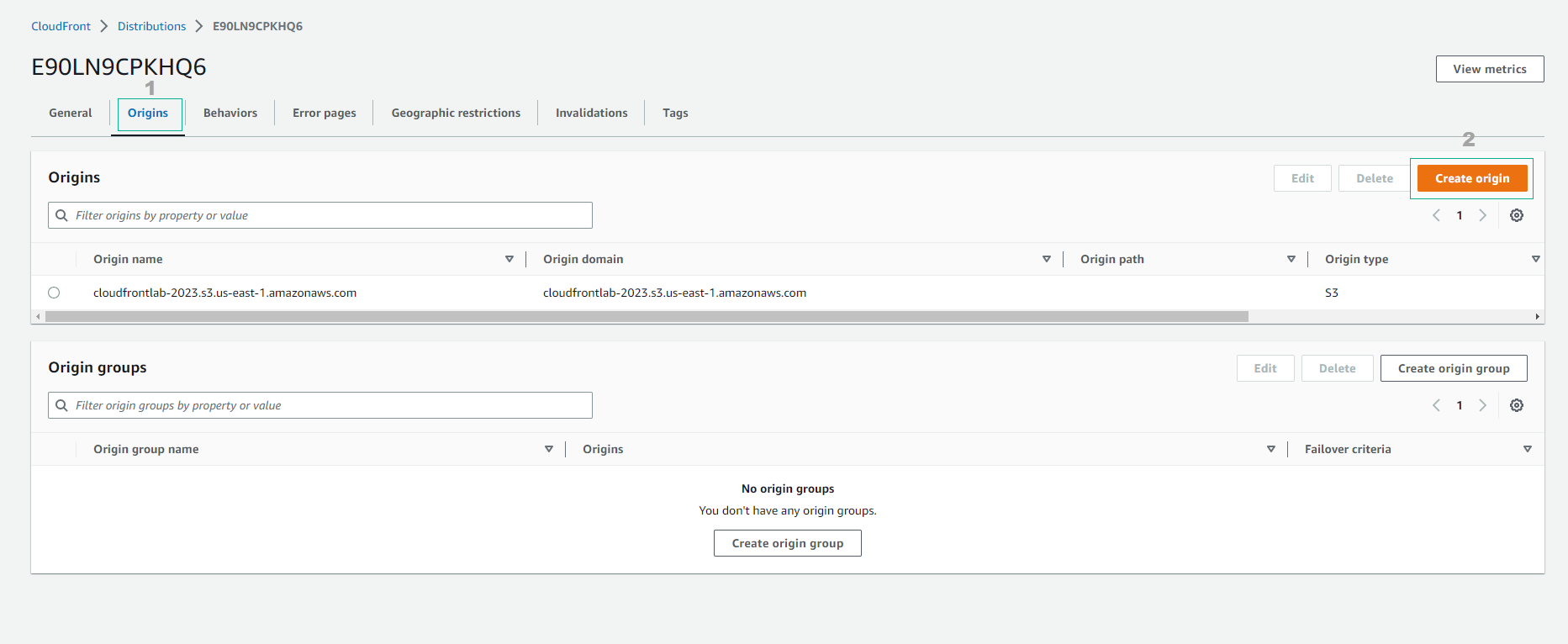
Select the distribution ID corresponding to the site you want to configure.
-
Select the Origins tab.
-
Check existing origins. If you already have an origin, press the Create Origin button to add a new origin.
-
At the Origins page, click the Create Origin button to create a new origin for the API.
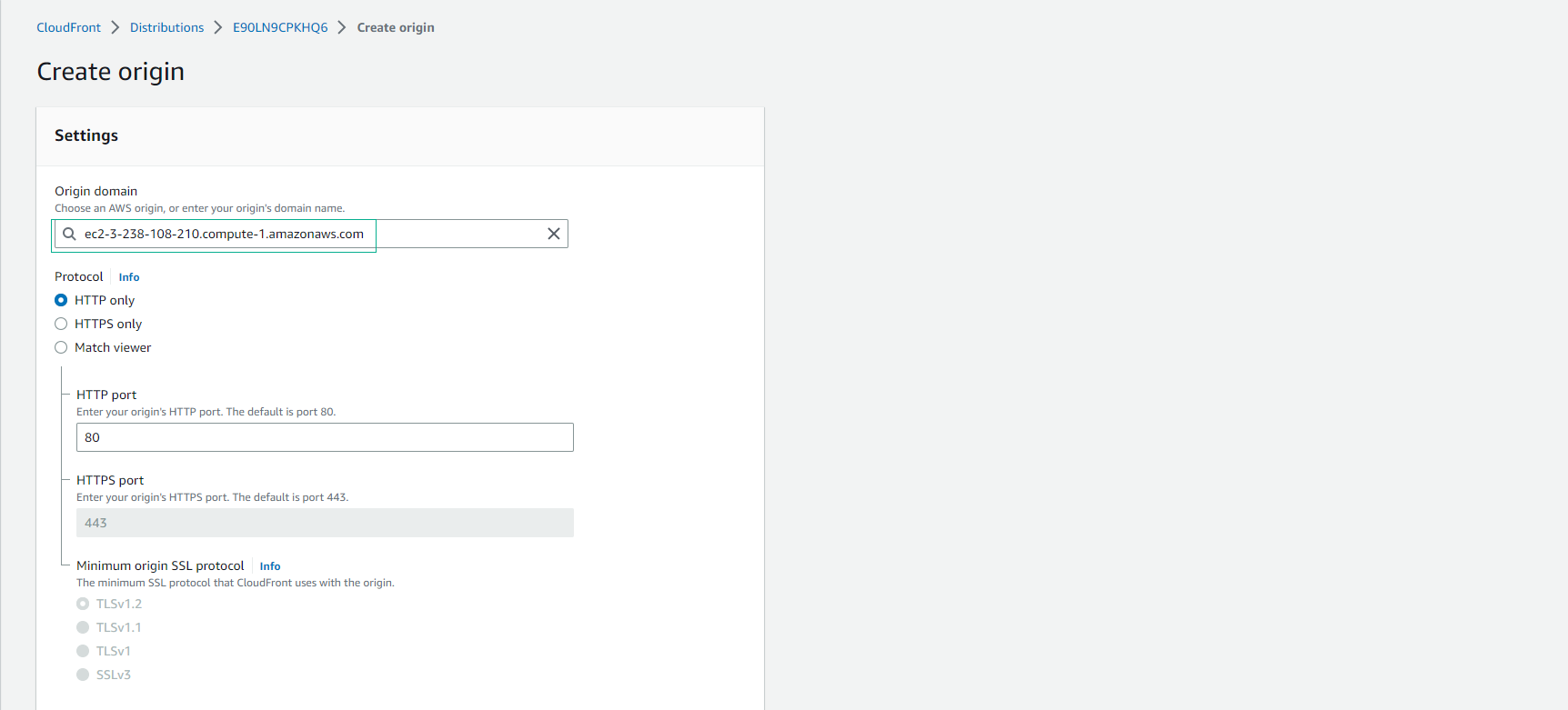
- Enter the DNS name of the EC2 instance in the Origin Domain Name field. Configure by setting Origin Protocol Policy to HTTP only.
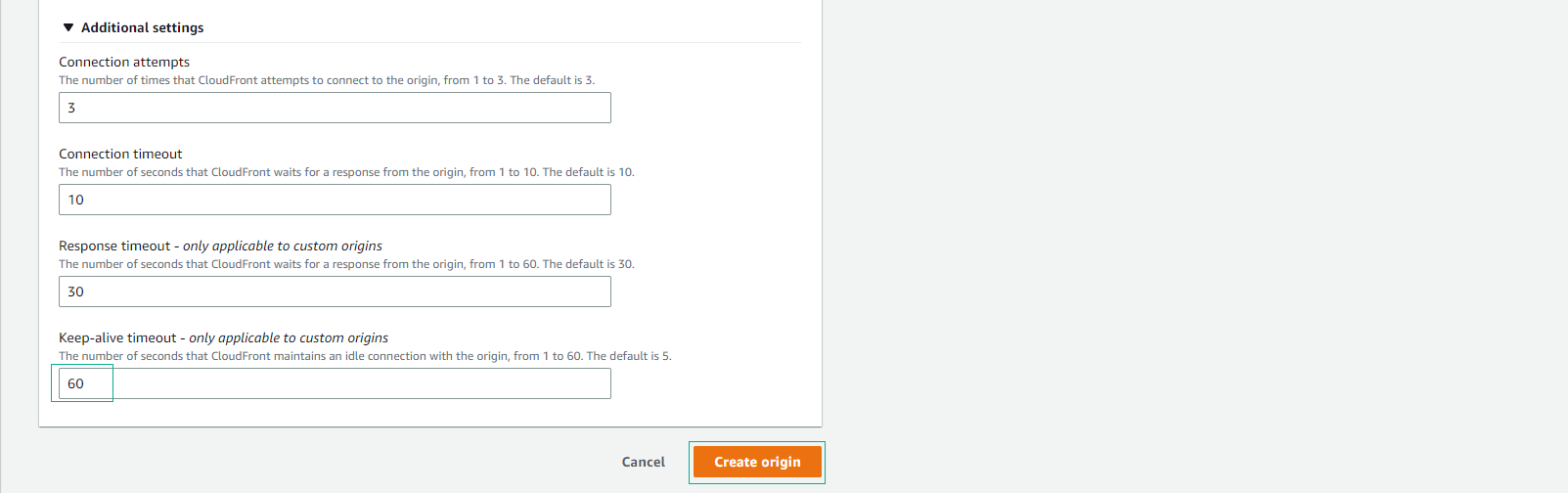
- Keep defaults and select Additional settings
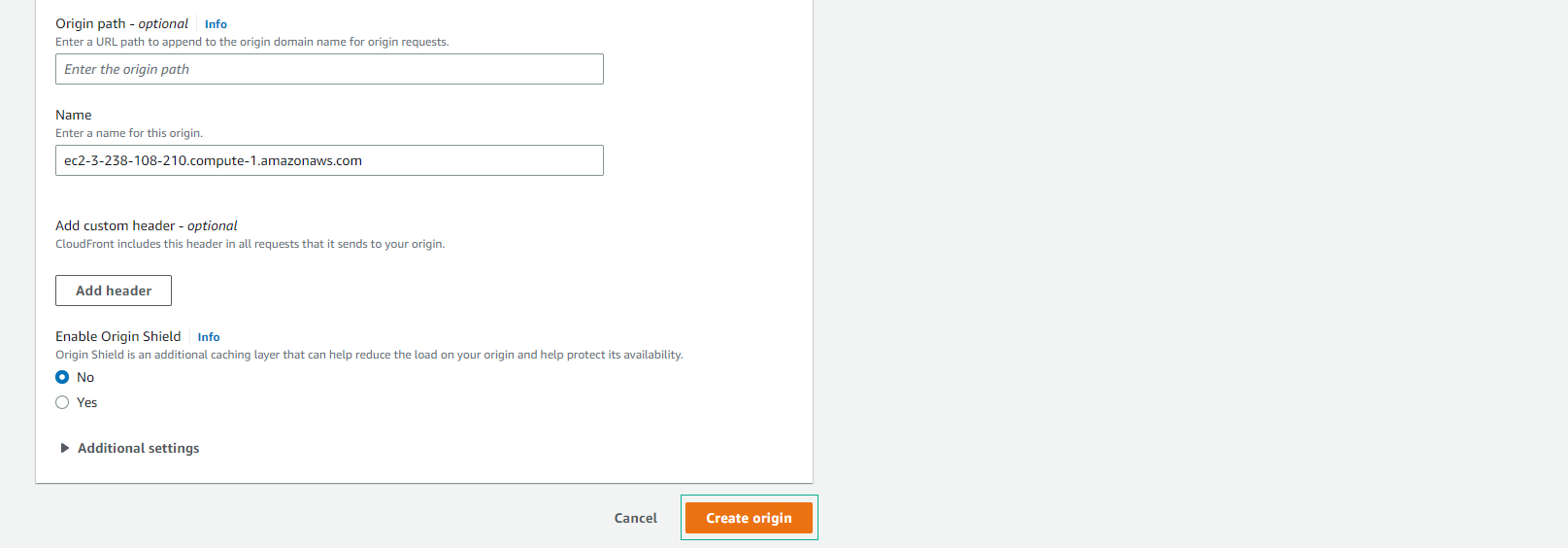
- Increase keep alive timeout to 60 seconds.
Note that although we want to serve content over HTTPS to users, we want to keep the HTTP connection to origin to minimize the overhead of TLS.
- Select Create origin
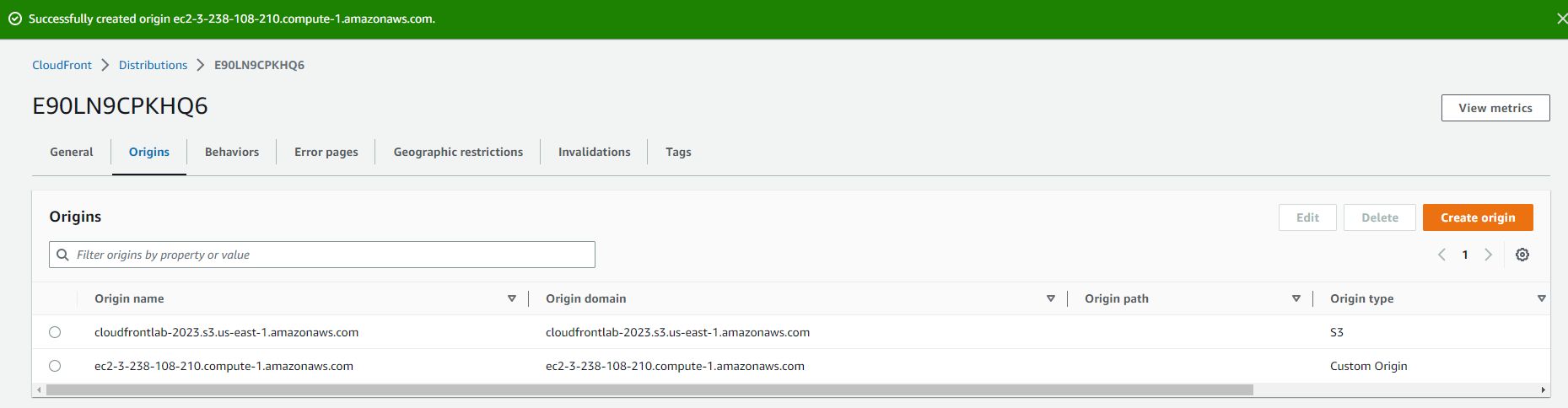
- Create origin successfully
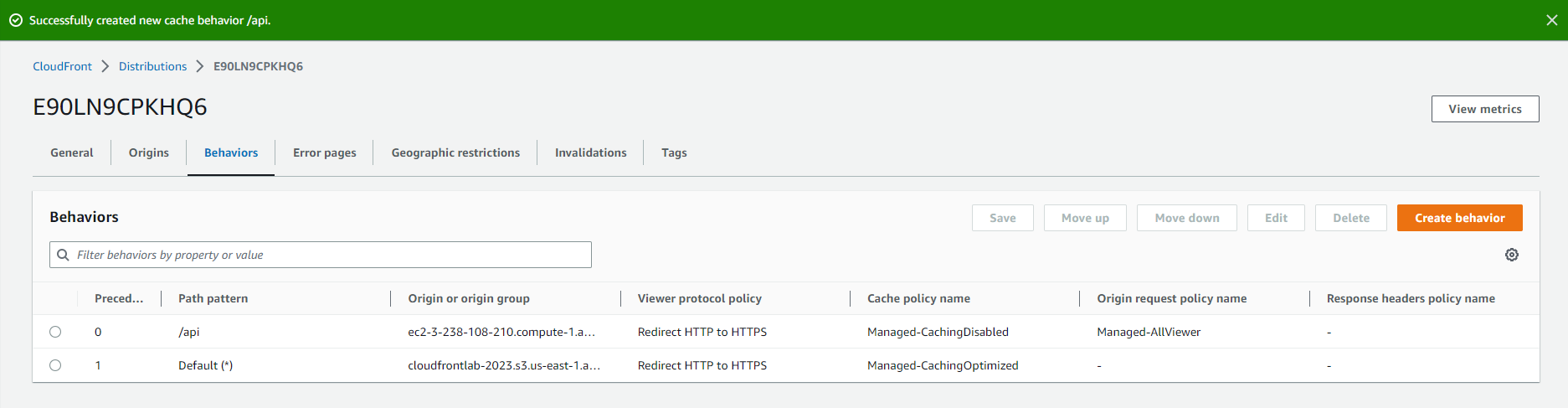
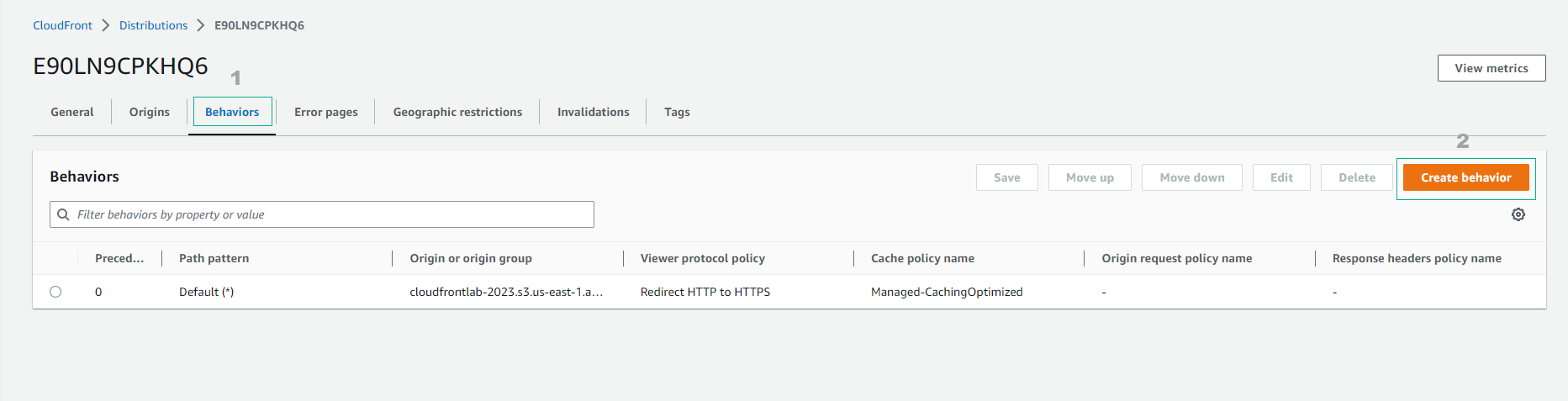
- Configure a second Behavior cache to use EC2’s origin with the following parameters to use CloudFront as a proxy and ignore any cache classes.
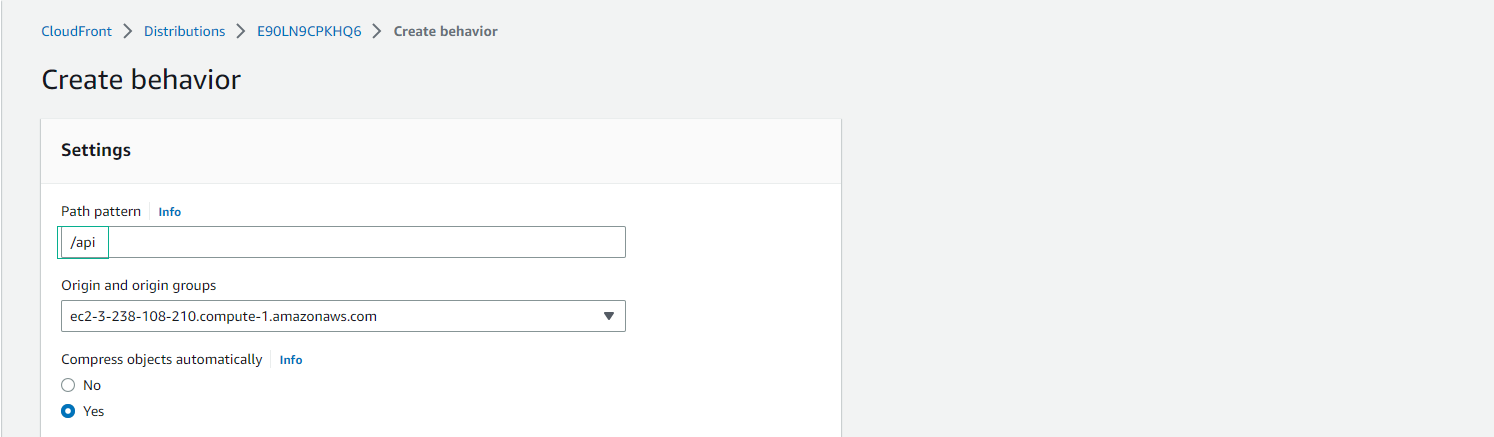
- Path pattern > /api
- Origin and origin groups > Select previously created EC2 Origin
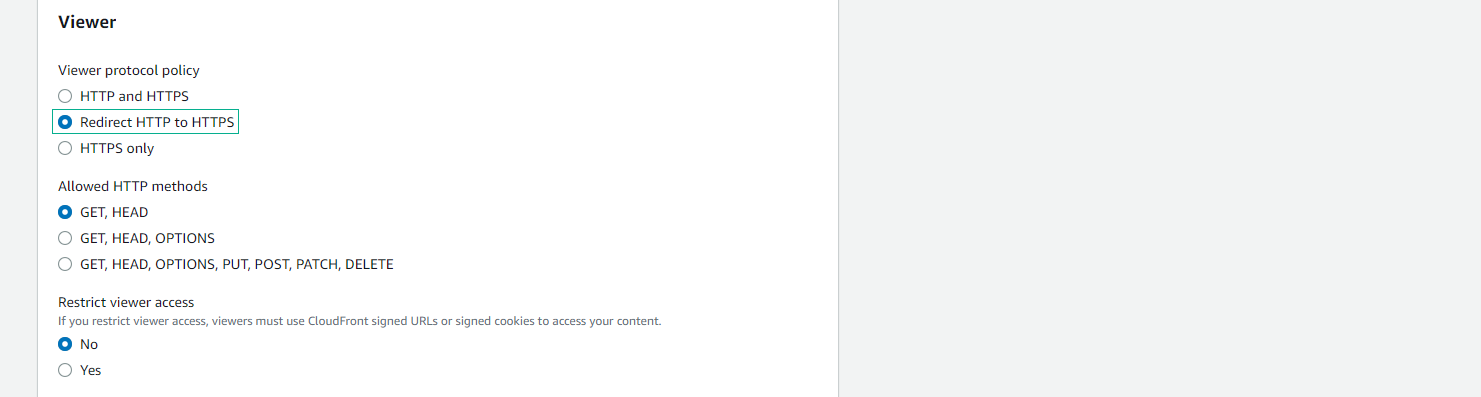
- Viewer protocol policy > Redirect HTTP to HTTPS
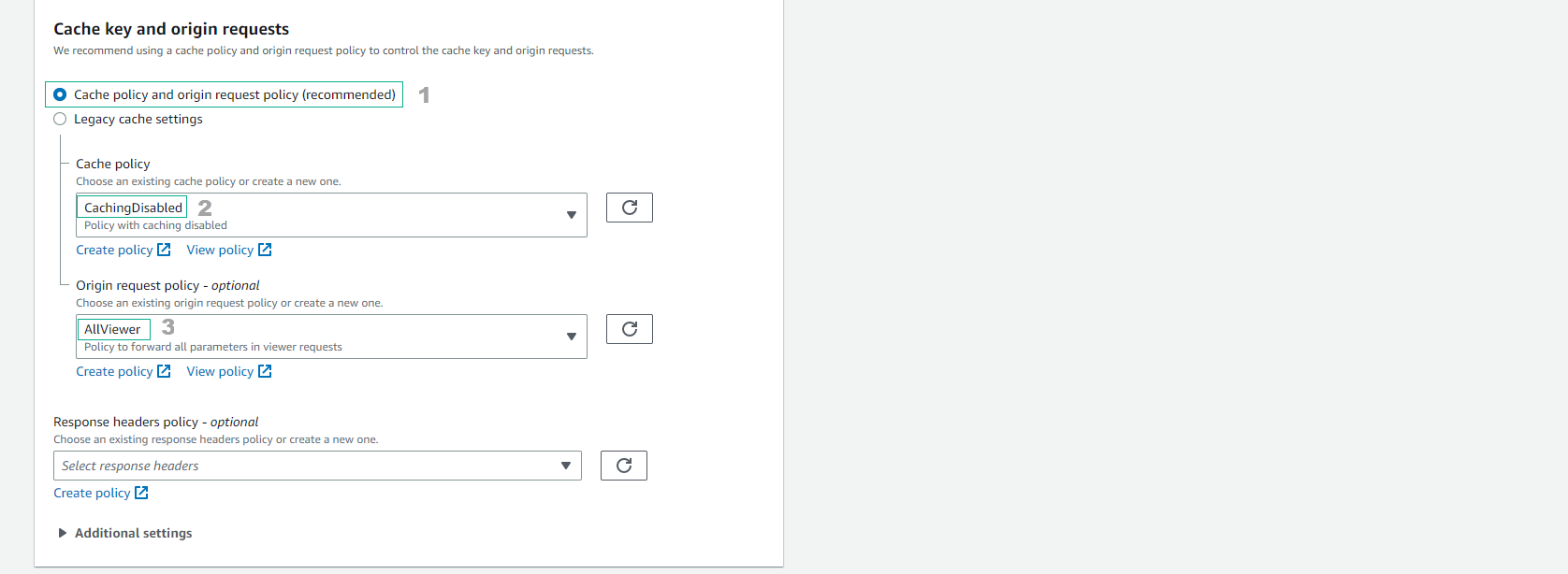
- Cache key and origin requests
- Cache policy and origin request policy (recommended)
- Cache policy > CachingDisabled
- Origin request policy - options -> AllViewer
- In the above configuration, we use two types of management policy, CachingDisabled is a managed cache policy – this policy disables cache, it is useful for dynamic content and for requests that cannot be handled cached – and AllViewer is an origin-managed request policy – this policy includes all values (header, cookie and query string) in the viewer’s request.
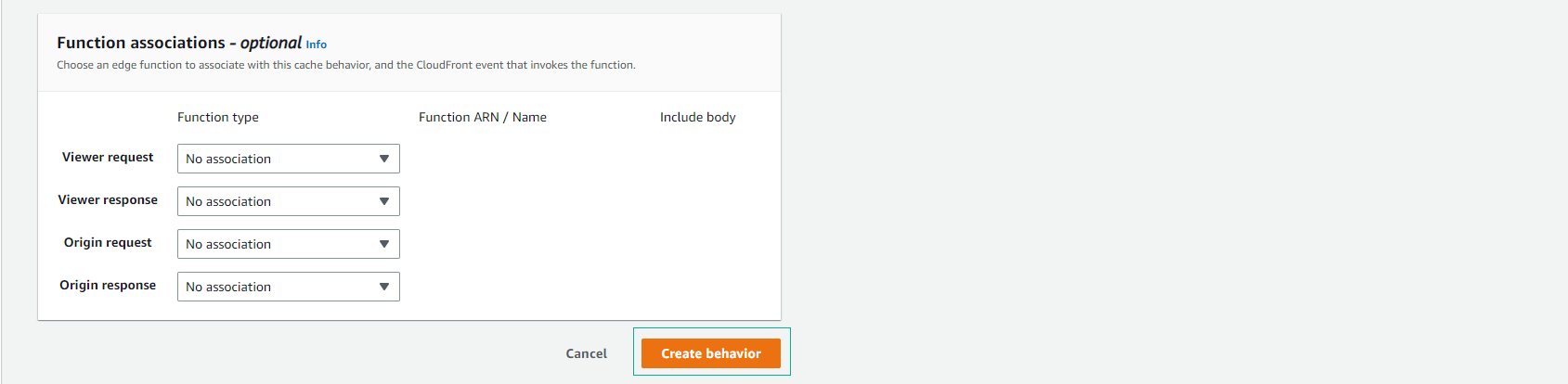
- Select Create behavior
- Create successful behavior.