Creating EC2
Create EC2
- Amazon EC2 (Elastic Compute Cloud): If you are using Amazon EC2 to run your application, you can create an EC2 instance as the origin for CloudFront. An EC2 instance is a virtual machine running on Amazon’s cloud platform. After creating an EC2 instance, you can install and configure your application on it, and then use this EC2 instance as the origin for CloudFront.
-
Access to EC2
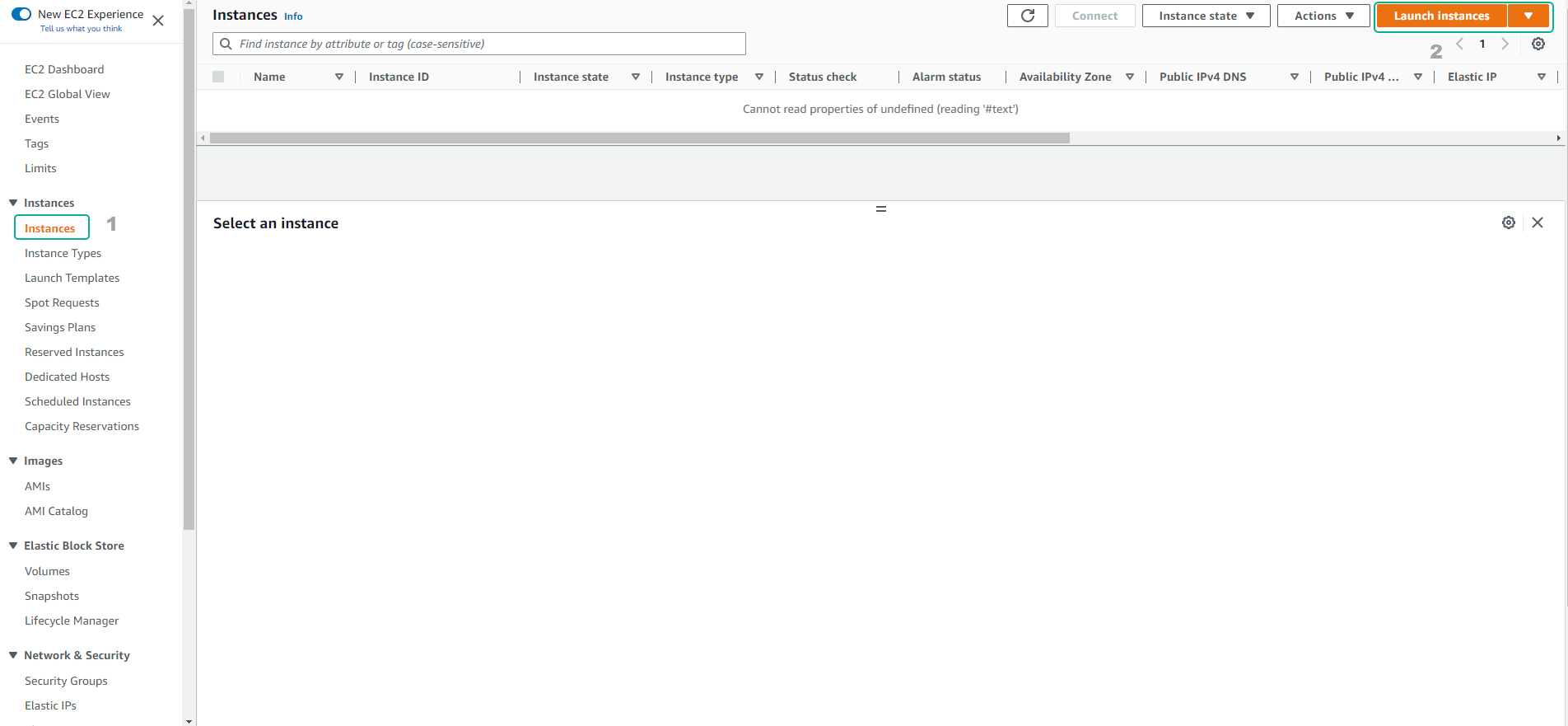
- Select Instances
- Select Launch instances
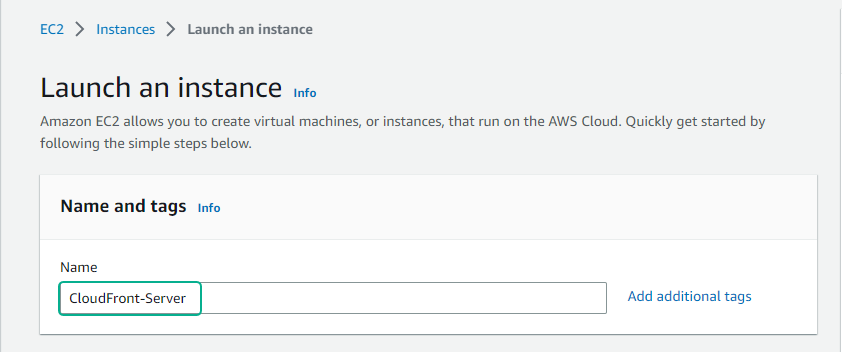
- Enter the instance name
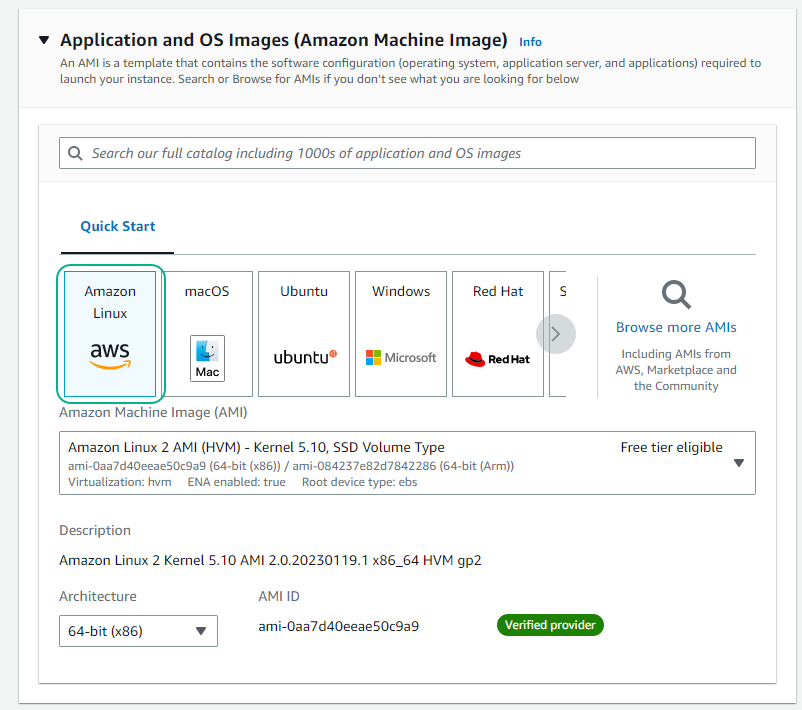
- Select AMI as Amazon Linux
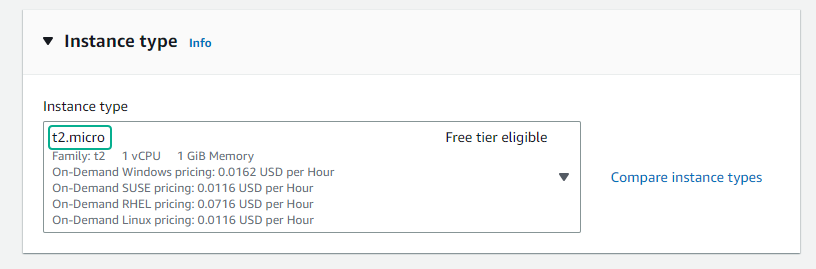
- Select t2.micro
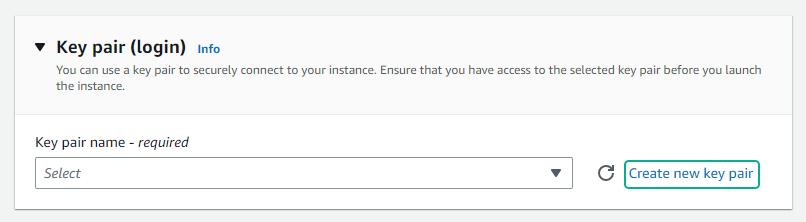
- Select Create new key pair
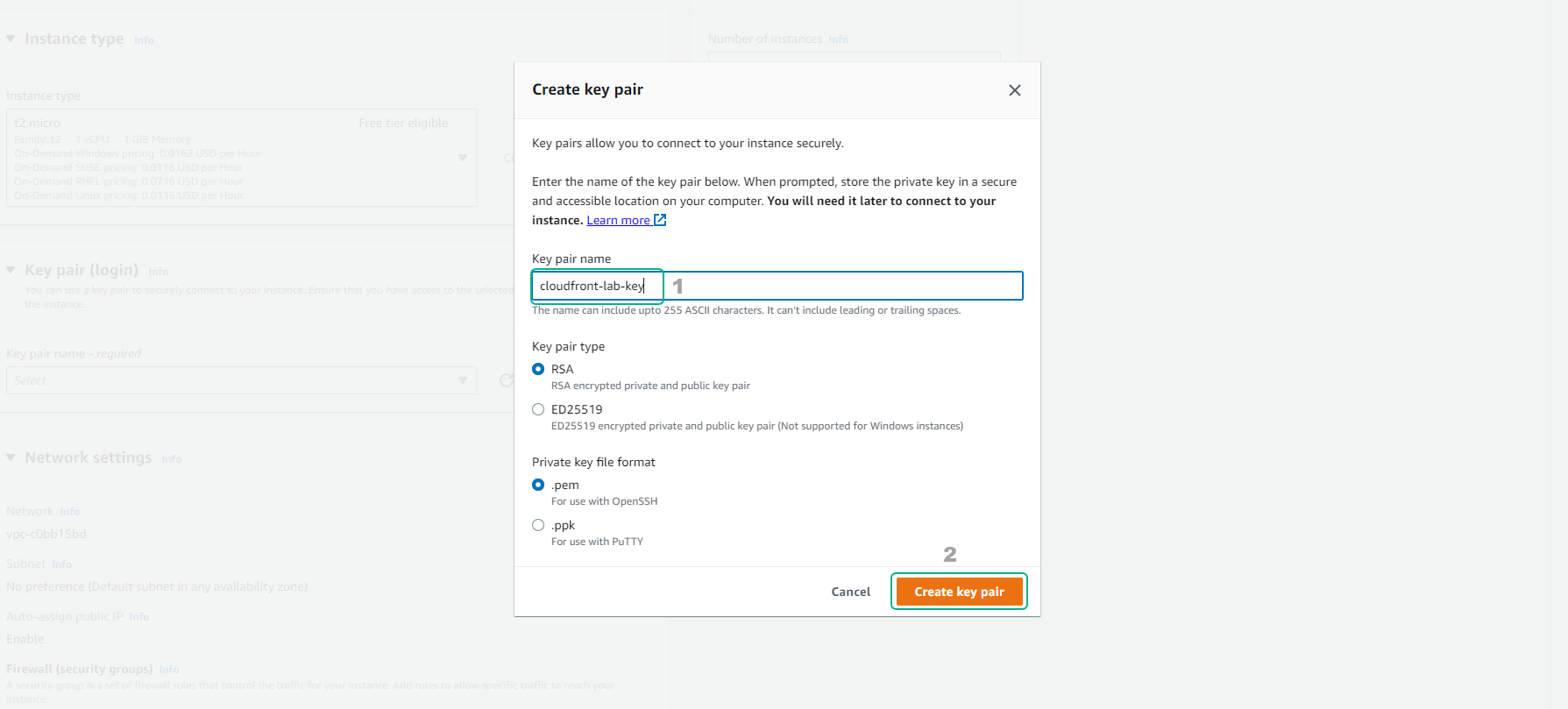
- Enter the key name and select Create key pair
-
Configure networking
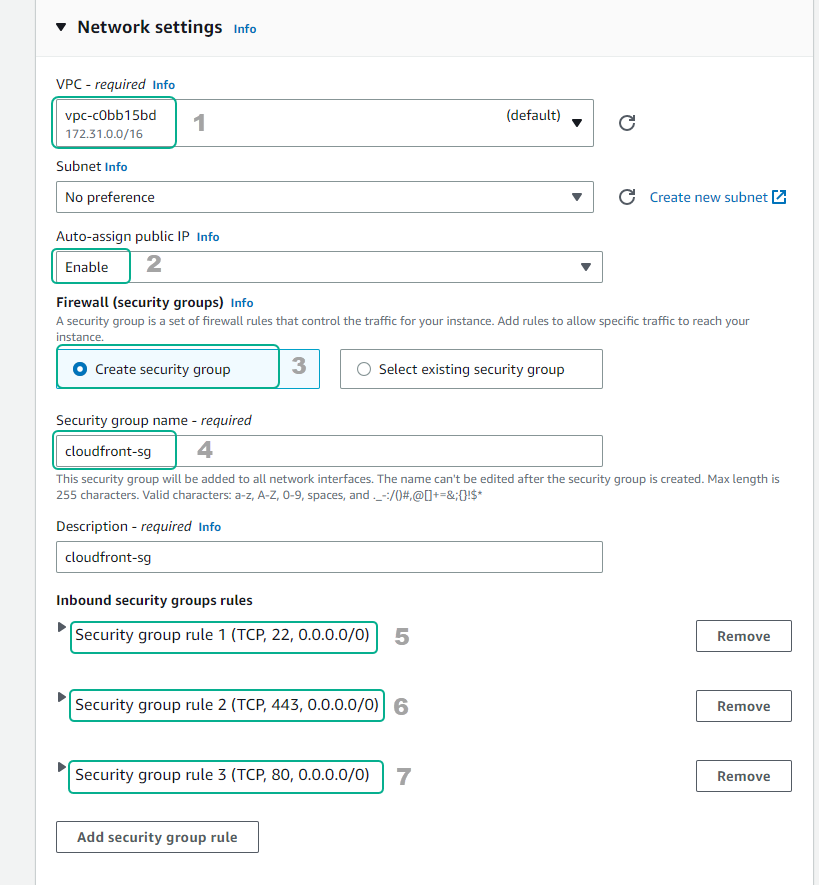
- Select VPC
- Create security group
- Configure security according to the picture
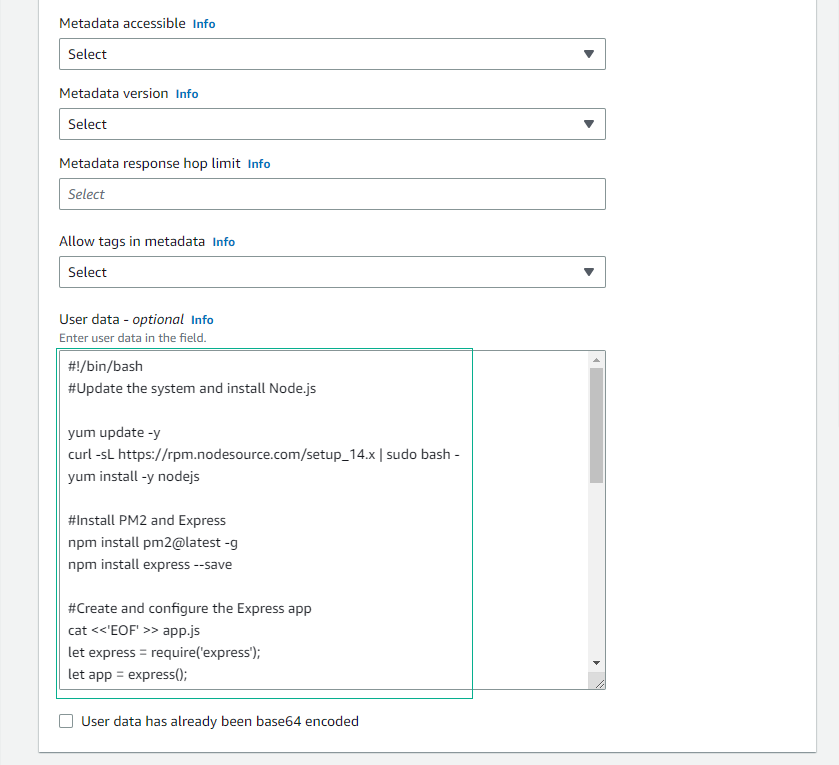
- Scroll down to the User data section, enter the following script:
#!/bin/bash
#Update the system and install Node.js

yum update -y
curl -sL https://rpm.nodesource.com/setup_14.x | sudo bash -
yum install -y nodejs

#Install PM2 and Express
npm install pm2@latest -g
npm install express --save

#Create and configure the Express app
cat <<'EOF' >> app.js
let express = require('express');
let app = express();

app.get('/api', (req, res) => {
  console.log(JSON.stringify(req.headers));
  let message = {
    timestamp: new Date().toISOString(),
    headers: req.headers,
  };
  res.json(message);
});

app.listen(80, () => {
  console.log('api is up!');
});
EOF


#Start the app with PM2
sudo pm2 start ./app.js
sudo pm2 startup systemd
sudo pm2 save

#Enable PM2 to start on system boot
systemctl enable --now pm2-root.service
- Select Launch instance
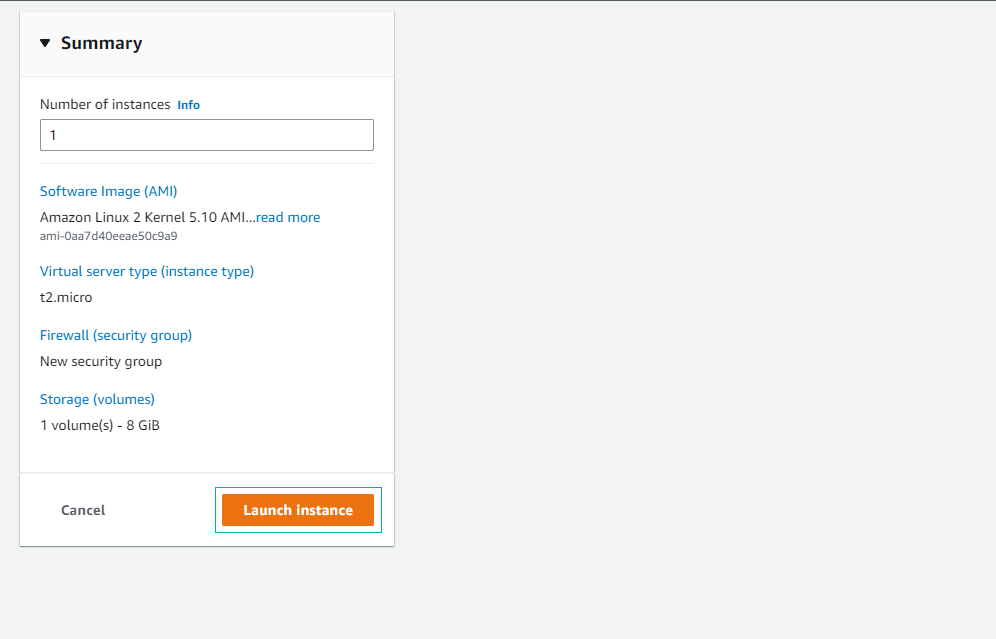
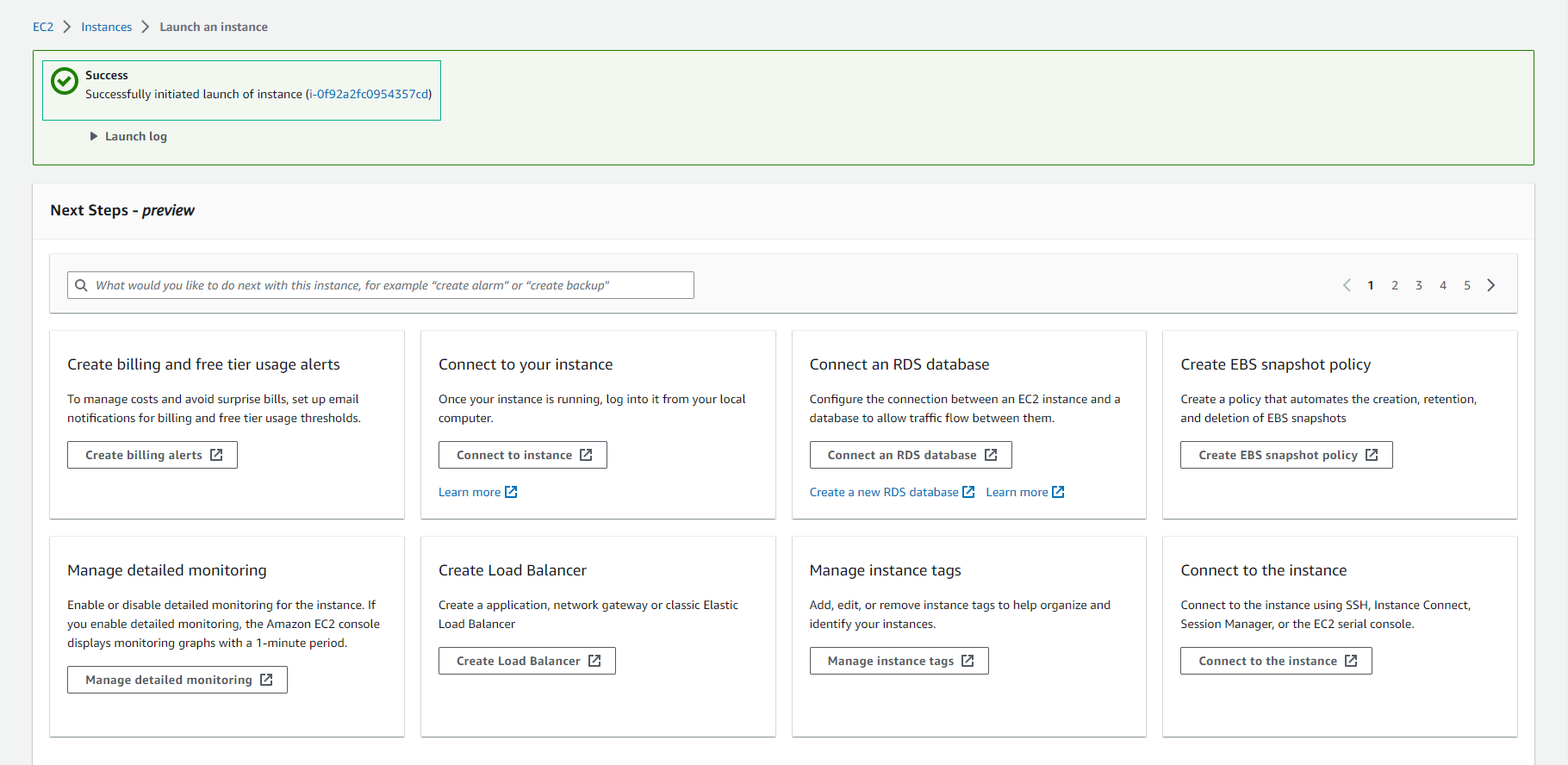
- Successful EC2 Creation
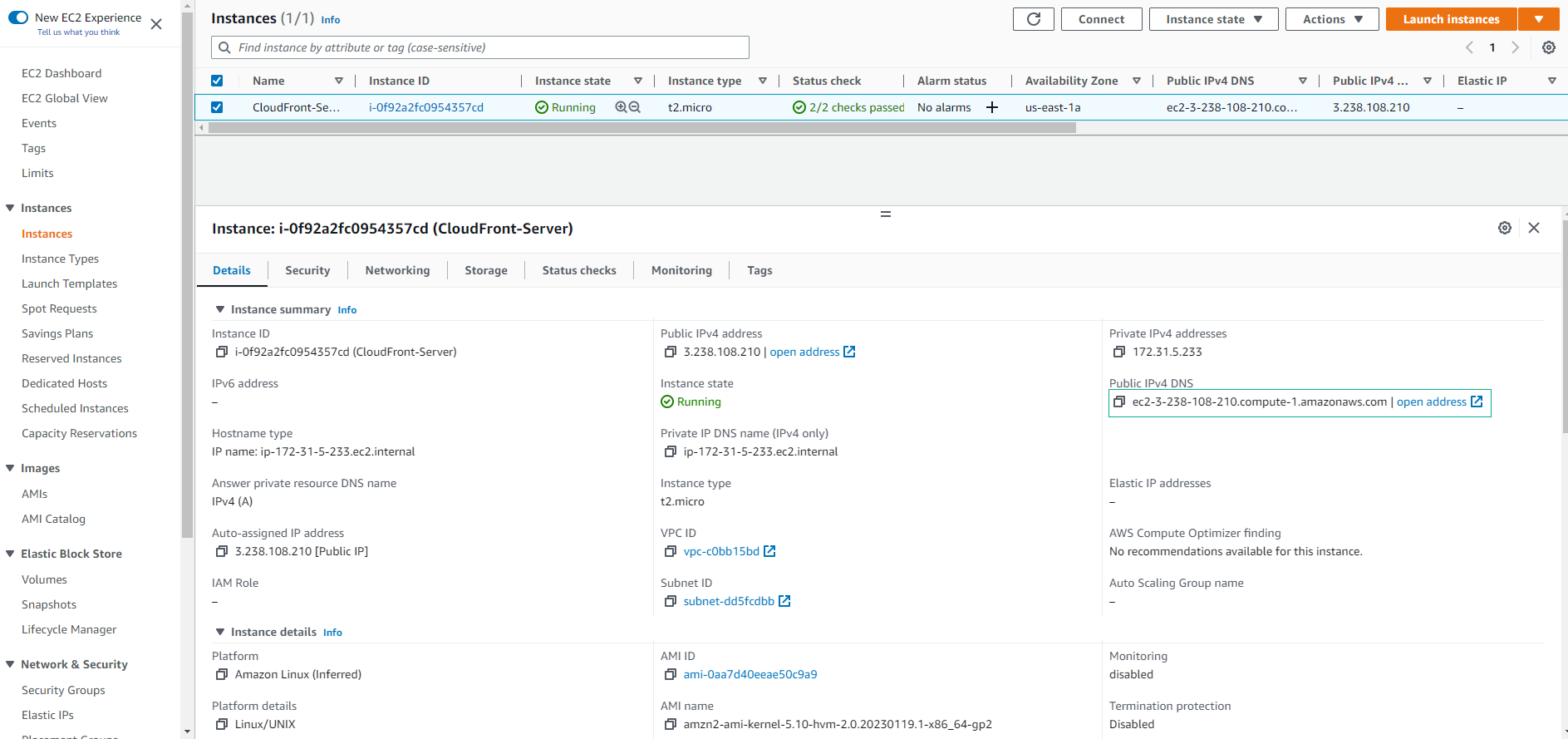
- View the details of the newly created EC2.
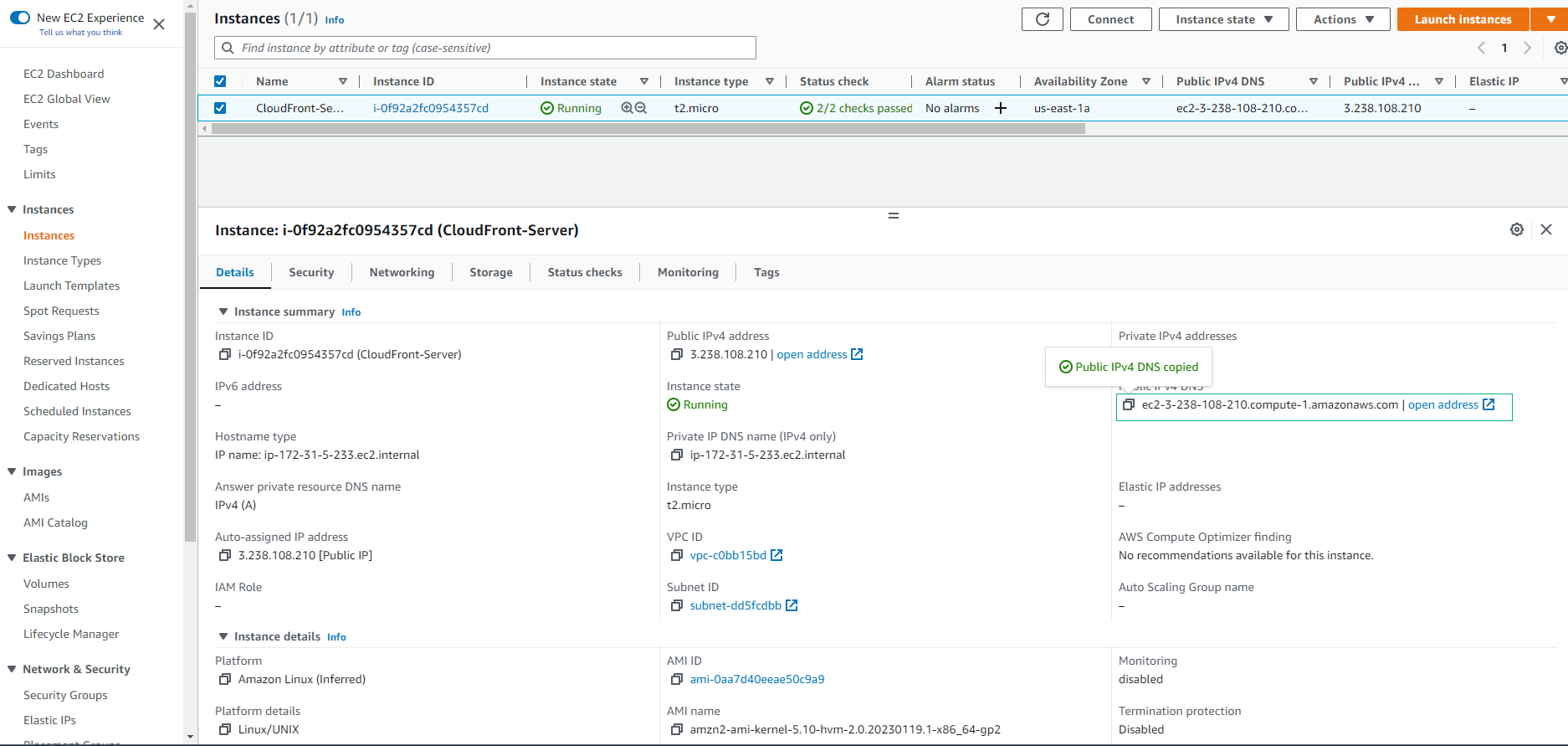
- Copy Public IPv4 DNS
- Use Public IPv4 DNS included with /api
