Tạo EC2
Tạo EC2
- Amazon EC2 (Elastic Compute Cloud): Nếu bạn đang sử dụng Amazon EC2 để chạy ứng dụng của mình, bạn có thể tạo một EC2 instance làm nguồn gốc cho CloudFront. Một EC2 instance là một máy ảo đang chạy trên nền tảng đám mây của Amazon. Sau khi tạo một EC2 instance, bạn có thể cài đặt và cấu hình ứng dụng của mình trên đó, sau đó sử dụng EC2 instance này làm nguồn gốc cho CloudFront.
-
Truy cập vào EC2
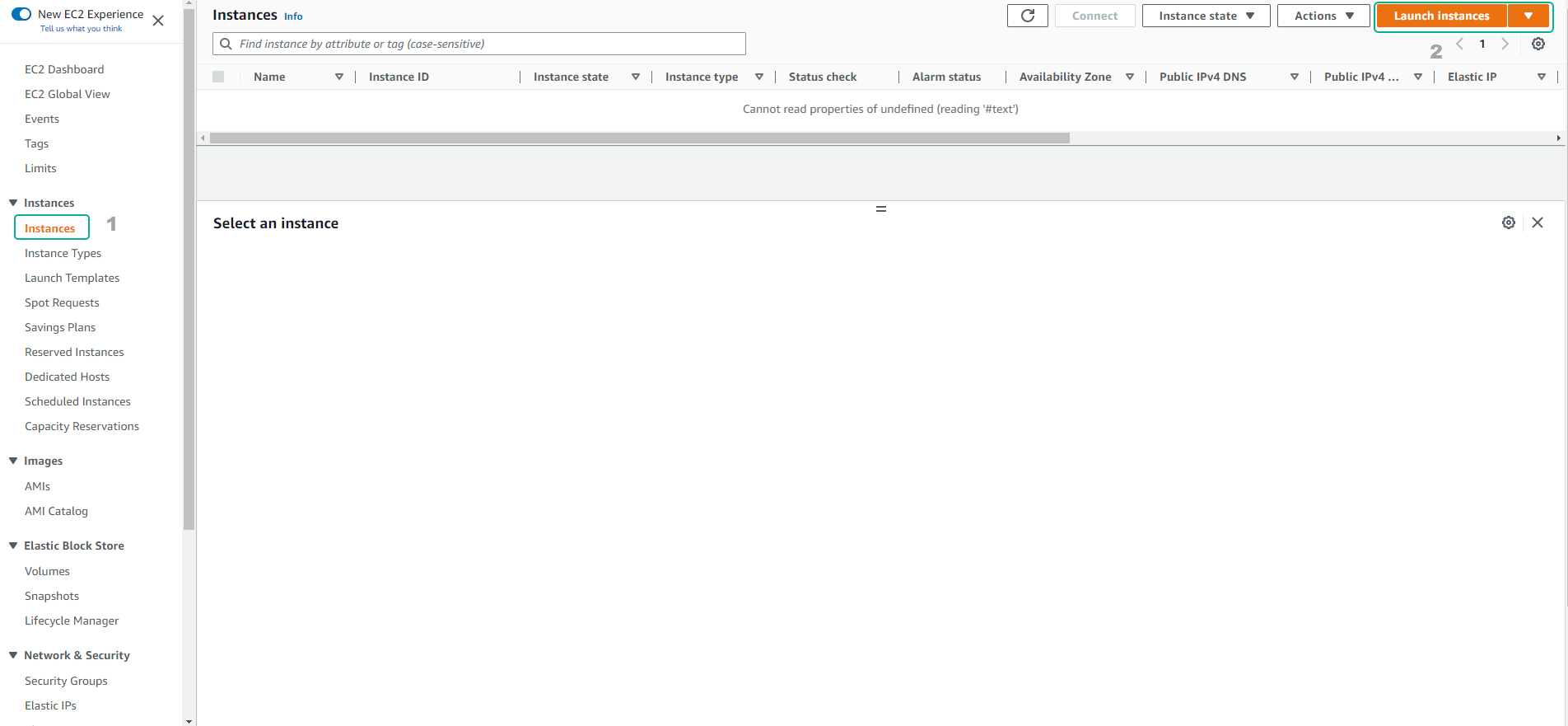
- Chọn Instances
- Chọn Launch instances
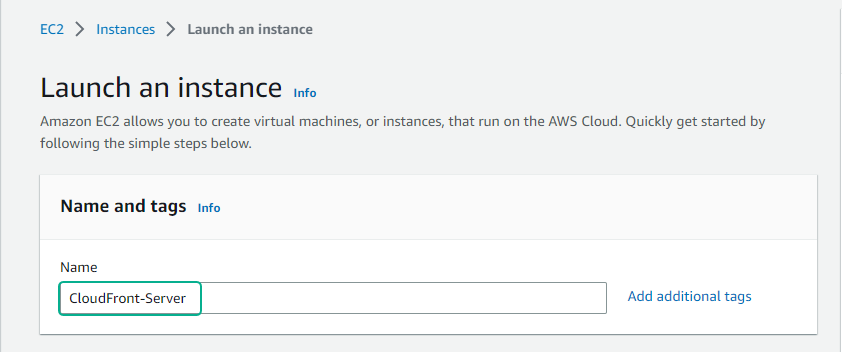
- Nhập tên instance
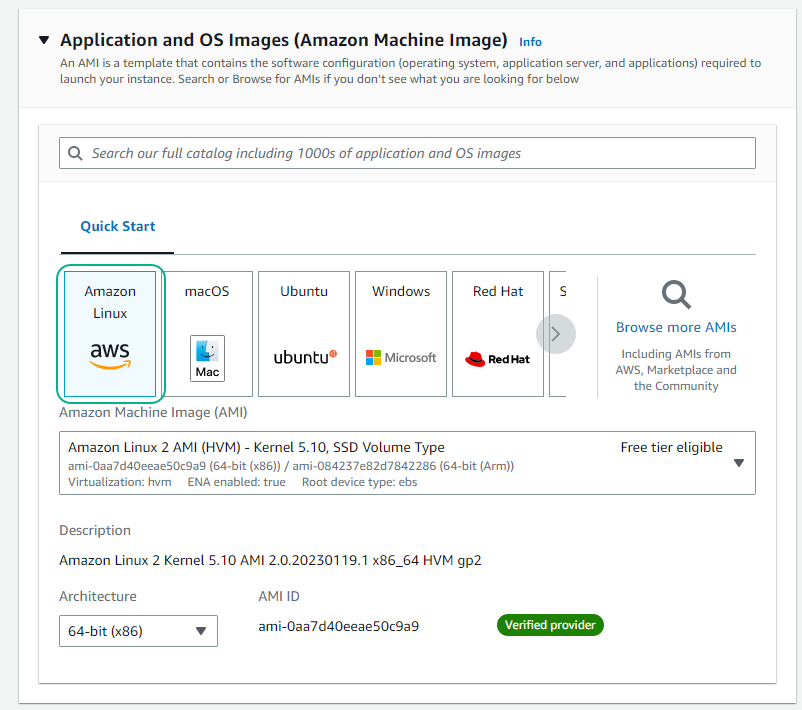
- Chọn AMI là Amazon Linux
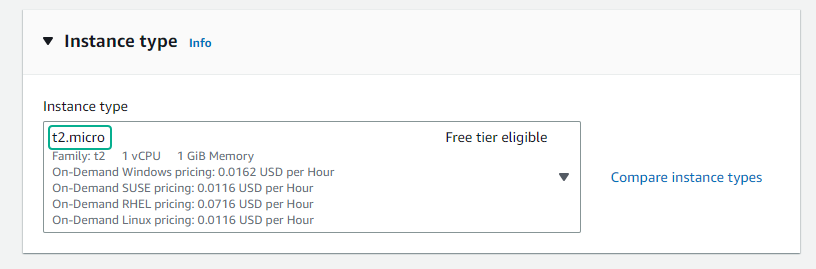
- CHọn t2.micro
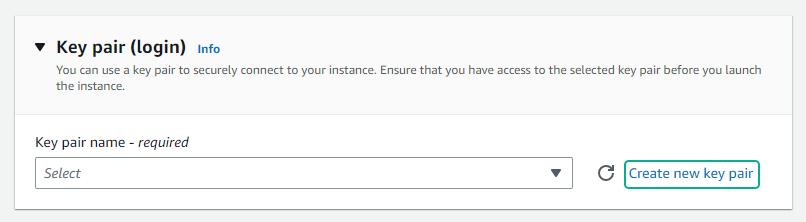
- Chọn Create new key pair
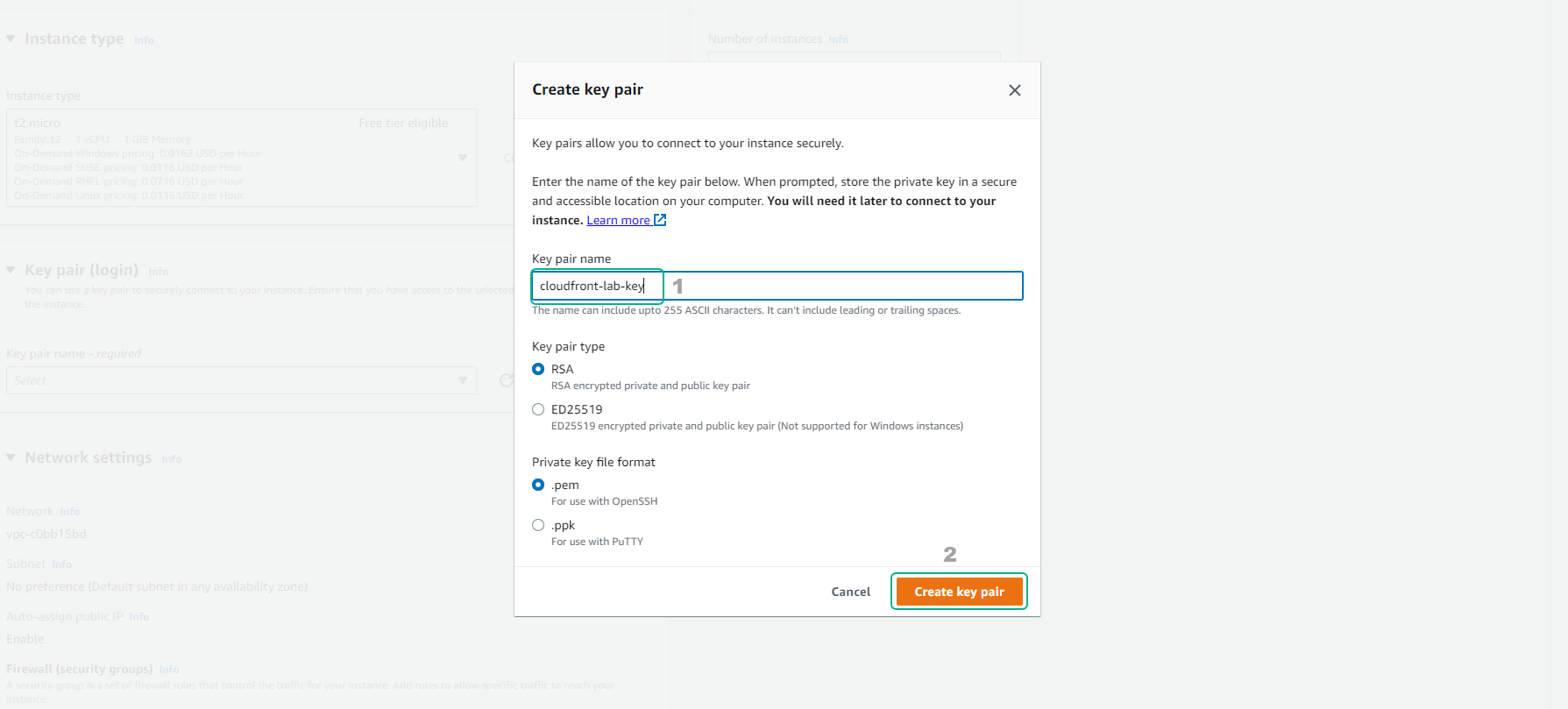
- Nhập tên key và chọn Create key pair
-
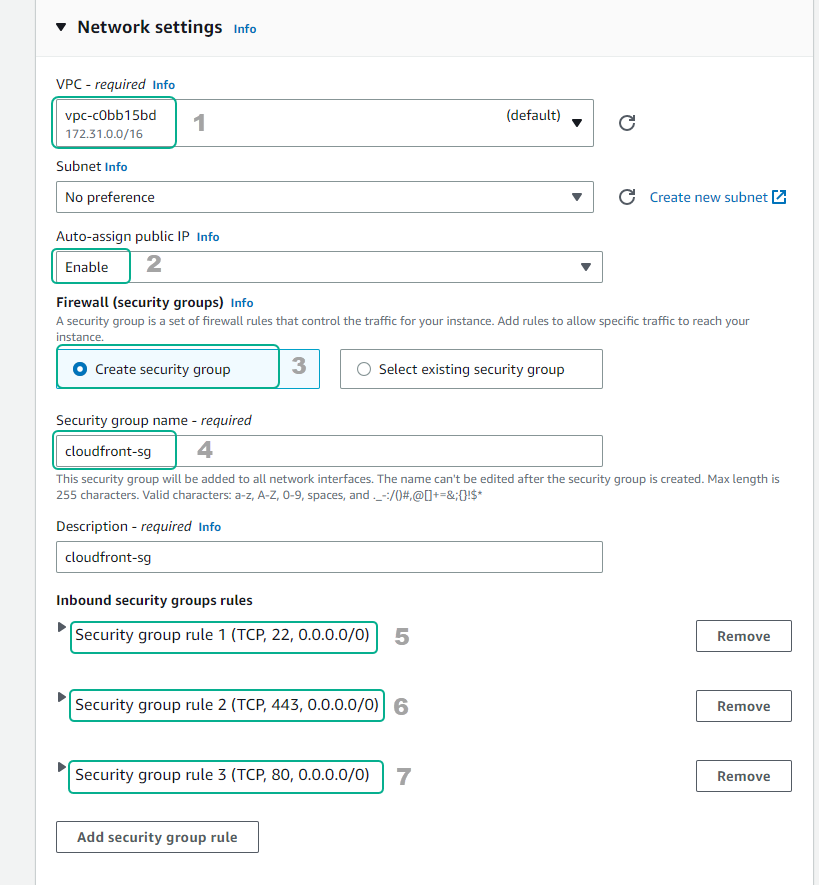
Cấu hình networking
- Chọn VPC
- Tạo security group
- Cấu hình security theo hình
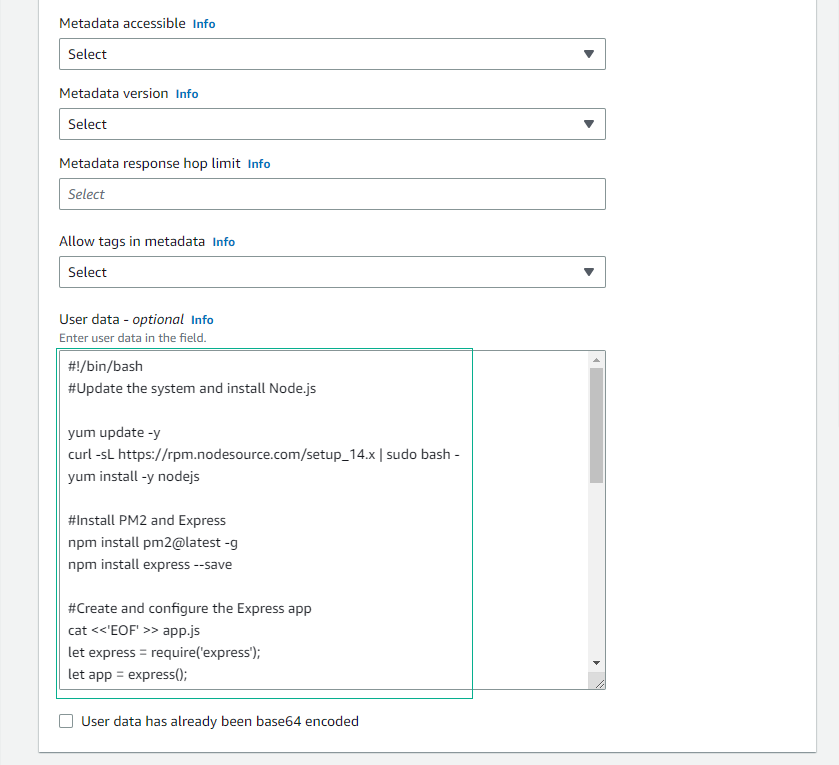
- Kéo xuống phần User data, bạn điền đoạn script sau:
#!/bin/bash
#Update the system and install Node.js

yum update -y
curl -sL https://rpm.nodesource.com/setup_14.x | sudo bash -
yum install -y nodejs

#Install PM2 and Express
npm install pm2@latest -g
npm install express --save

#Create and configure the Express app
cat <<'EOF' >> app.js
let express = require('express');
let app = express();

app.get('/api', (req, res) => {
  console.log(JSON.stringify(req.headers));
  let message = {
    timestamp: new Date().toISOString(),
    headers: req.headers,
  };
  res.json(message);
});

app.listen(80, () => {
  console.log('api is up!');
});
EOF


#Start the app with PM2
sudo pm2 start ./app.js
sudo pm2 startup systemd
sudo pm2 save

#Enable PM2 to start on system boot
systemctl enable --now pm2-root.service
- Chọn Launch instance
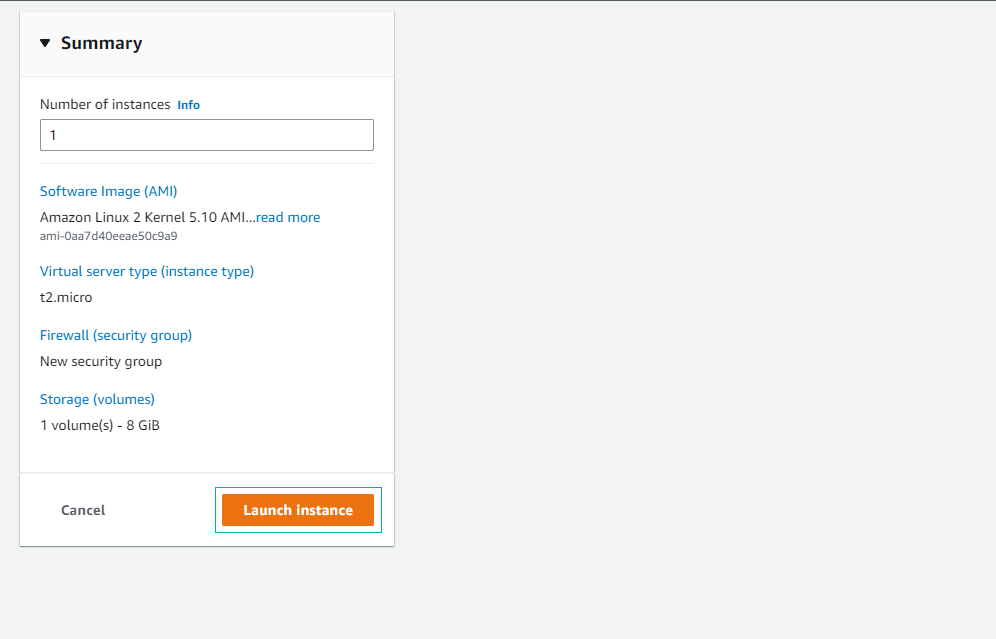
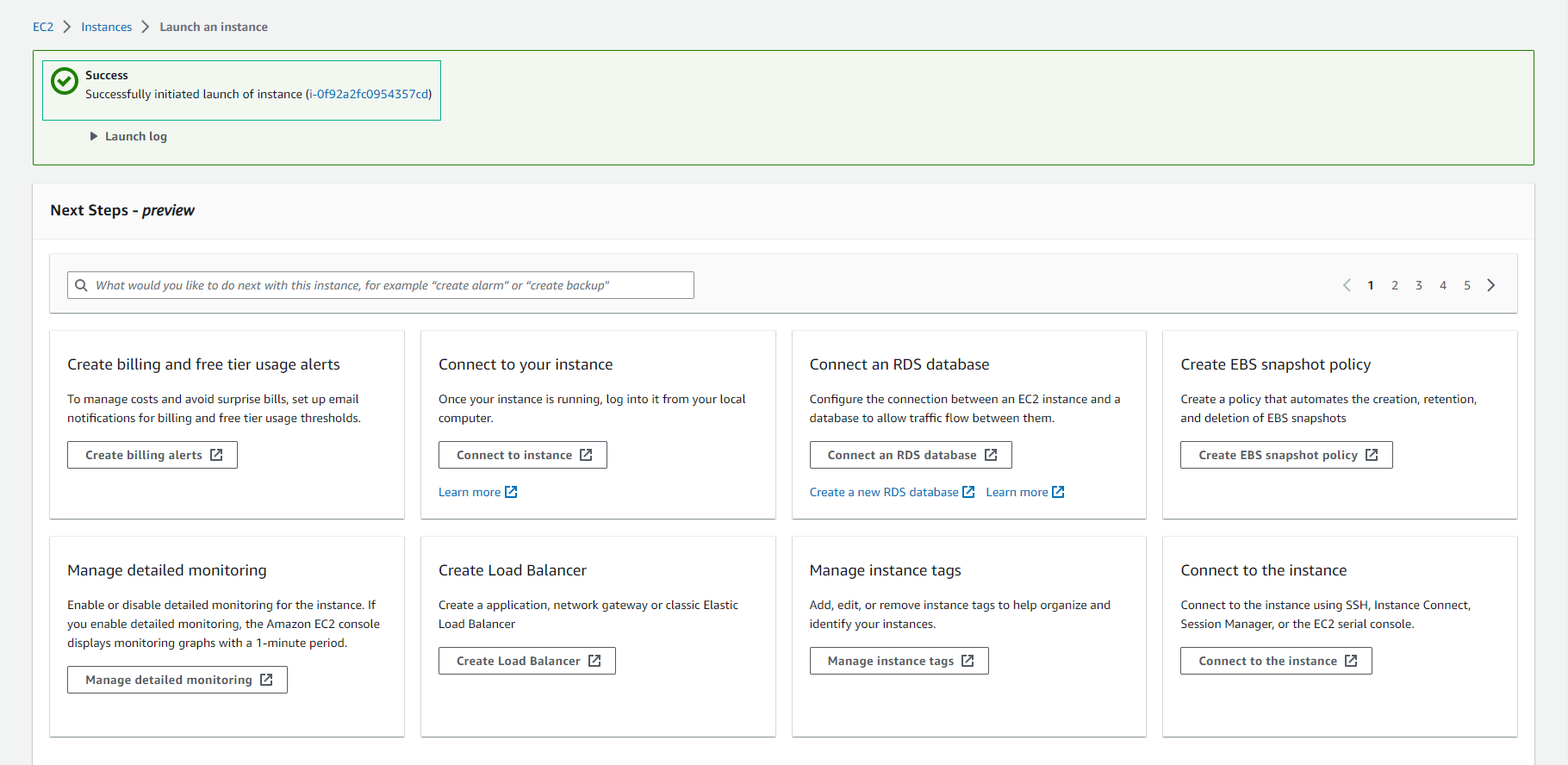
- Tạo EC2 thành công
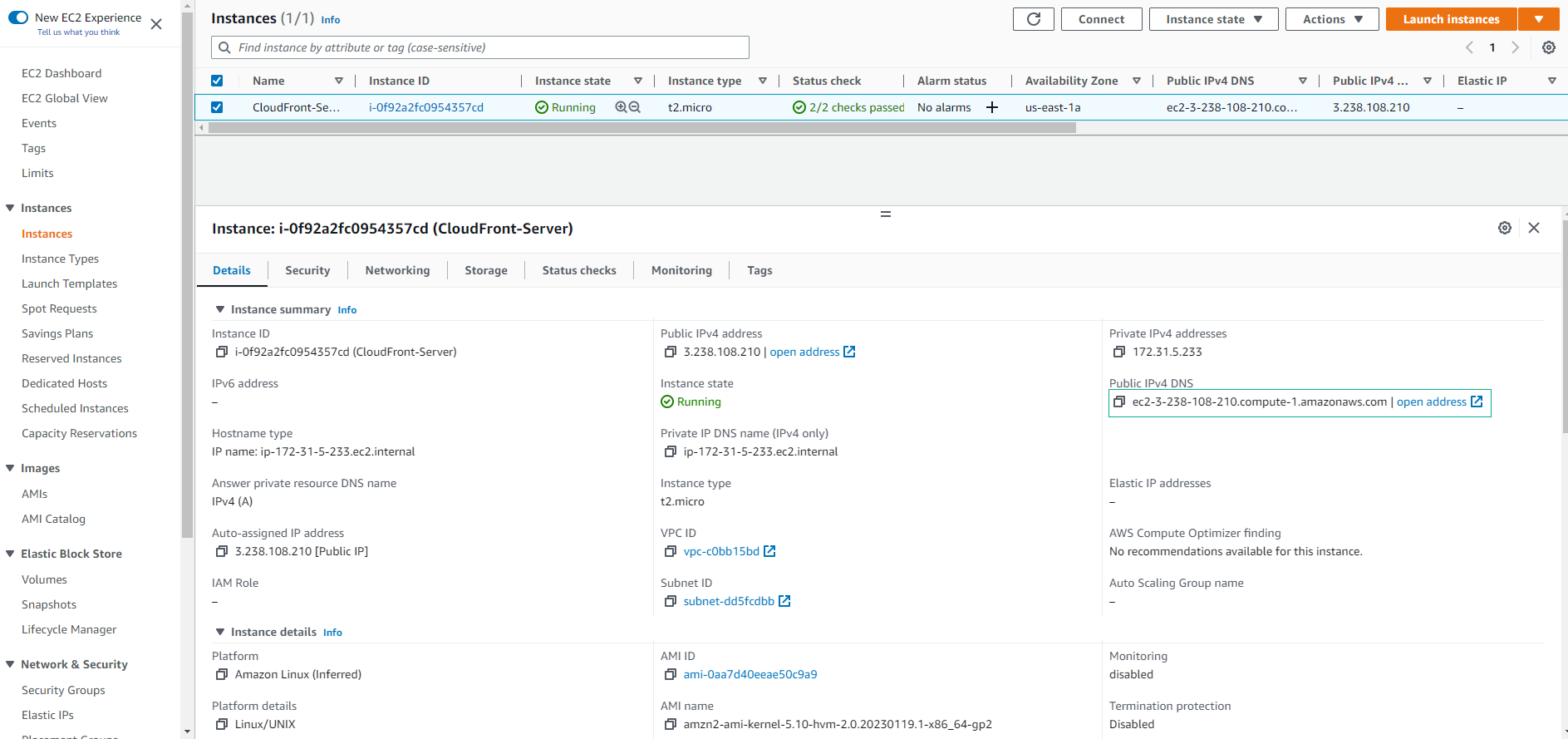
- Xem chi tiết EC2 vừa tạo.
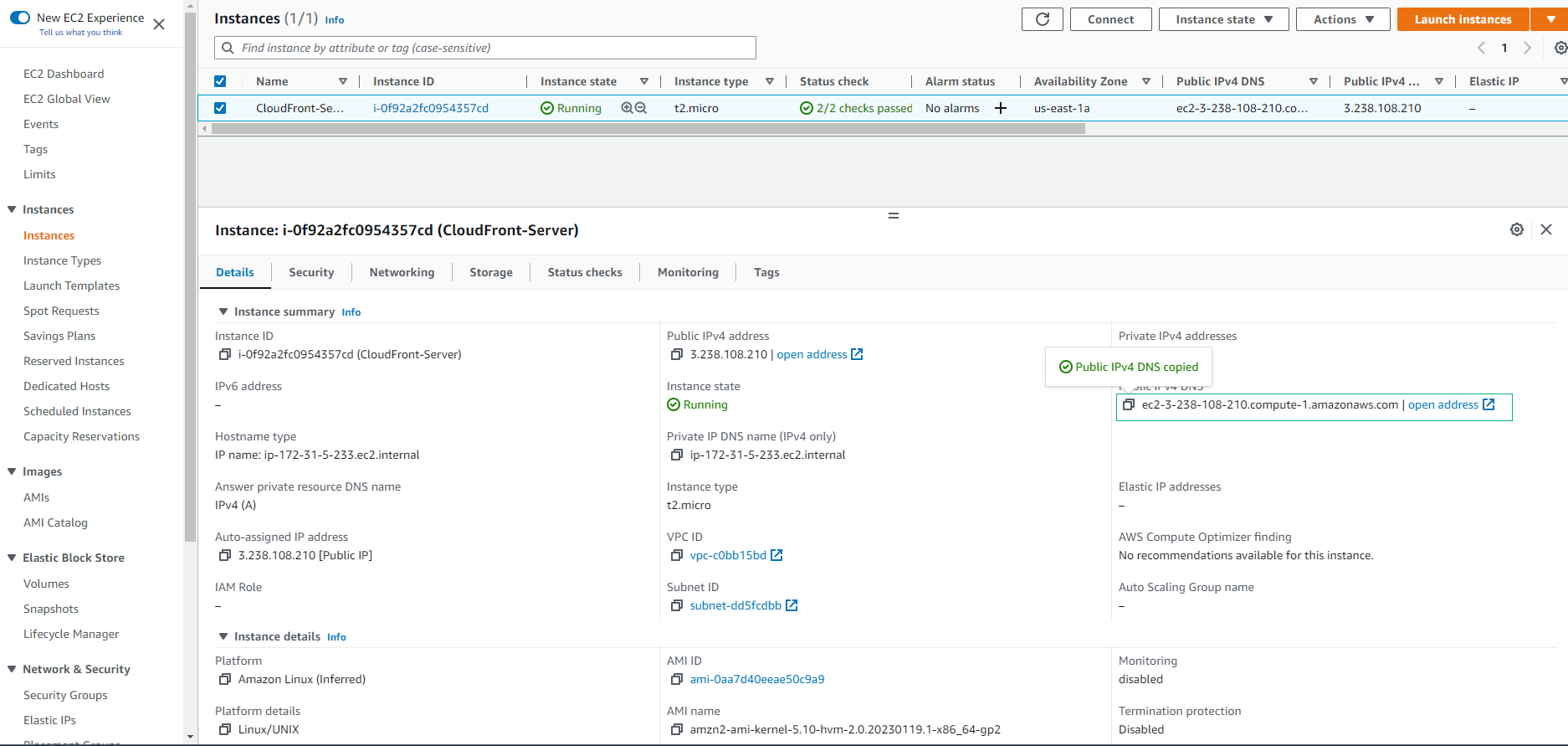
- Sao chép Public IPv4 DNS
- Sử dụng Public IPv4 DNS kèm theo /api
